
JVSFood · Android beta
JVSFood for Android: open beta
JVSFood for Android is available in open beta in Finland and Sweden. Join using your Google account and install from Google Play. There is no participation request or invitation to wait for.
Join the beta test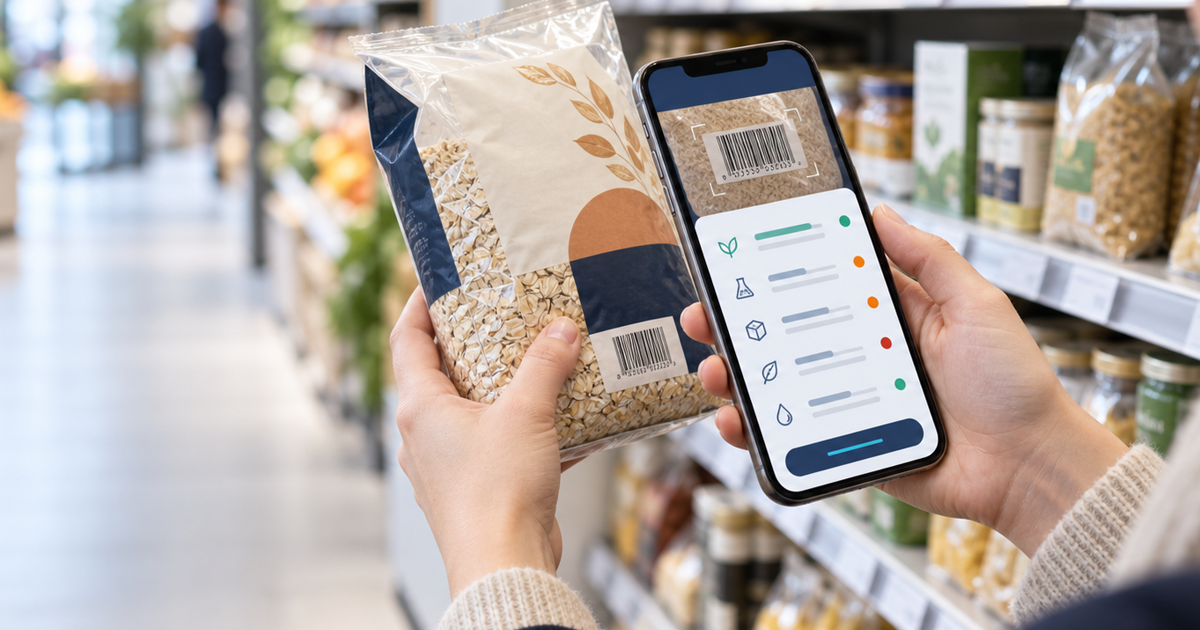
What is the Android app?
The Android app lets you scan food packages, search for products and use a shopping list. Product information comes from the JVSFood service. Features depend on the installed beta version; the latest improvements arrive through app updates.
How to install the app
- Open the testing link and sign in with the Google account used by Google Play on your Android device.
- Confirm that you want to join the test on the Google Play page. No invitation or email request is required.
- Then open the app listing in Google Play and select Install or Update. Use the same Google account.
Join the open beta
Join the test first, then continue to installation. Participation is voluntary; the app is available for supported Android devices in Finland and Sweden.
Join the beta testTry it in your browser now
The JVSFood web version is available without joining the Android beta. Open it on your phone or computer.
Open JVSFoodWhat can you do in the beta?
Search by barcode or name
Scan the package barcode with the camera or type the number manually. You can also search by product name before visiting a shop. Camera scanning requires device permission.
Read product details
A product card brings together available ingredients, allergen information, nutrition per 100 g or ml, the data source and update information. Missing values remain unknown rather than being shown as zero.
Apply your food preferences
Set preferences such as vegan food, avoiding pork, gluten-related strictness, mild or spicy taste, and attention to milk, nuts, peanuts, soy, eggs and sesame. The app explains warnings and identifies missing information.
Find and compare alternatives
Explore products in the same category, compare two products side by side and browse lists based on nutrition values. Select Finland, Sweden or a wider search area. Nutri-Score is shown when source data provides it; it is not personal medical advice.
Use four languages
The interface supports Finnish, Swedish, English and Russian. Recognised ingredients and product names can appear in the selected language. Name search can also show a Finnish phrase for a shop assistant. A translation does not replace the original package text.
Organise your shopping
Add products to a shopping list and mark them as found. Favourites and recently viewed products help you return to earlier choices. In guest use, this information stays on this device.
Use an account if you wish
You can use the service without registering. An optional account with an email one-time code and separate consent can synchronise food preferences, favourites and the shopping list across devices. Scan history and photos are not synchronised as account data.
Help improve product coverage
If a product is missing or incorrect, you can suggest a correction. Sending package photos for review is voluntary. Product data may come from Open Food Facts, Fineli or separately reviewed cards.
What to expect from a beta
Product search and current information need an internet connection. Offline features depend on your installed version. Some products are missing, and source data may be incomplete or out of date. JVSFood does not show live stock in a particular shop.
What feedback helps most?
Tell us whether you found the product, whether ingredients matched its package, whether the camera worked on your phone, and whether comparisons and languages were understandable. Real shopping situations help the beta improve.