
Only one wireless earbud working? First check whether the silent side charges
Do not begin with a factory reset. Charge the case, seat both earbuds correctly and check whether the phone shows a separate battery level for each side. If the silent earbud does not charge, focus on the case and charging contacts. If it charges but has no sound, check the mesh, audio balance and pairing in that order.
Updated 10 September 2026
Safe order of checks
- Charge the case by cable first and leave both earbuds inside for at least 30 seconds. Confirm that each earbud settles magnetically into its own slot and that an ear tip is not preventing contact.
- Open the case near the phone or check the manufacturer's app. Compare the left and right battery levels. A missing reading or a level stuck at zero points to charging, contact or battery trouble — not primarily Bluetooth.
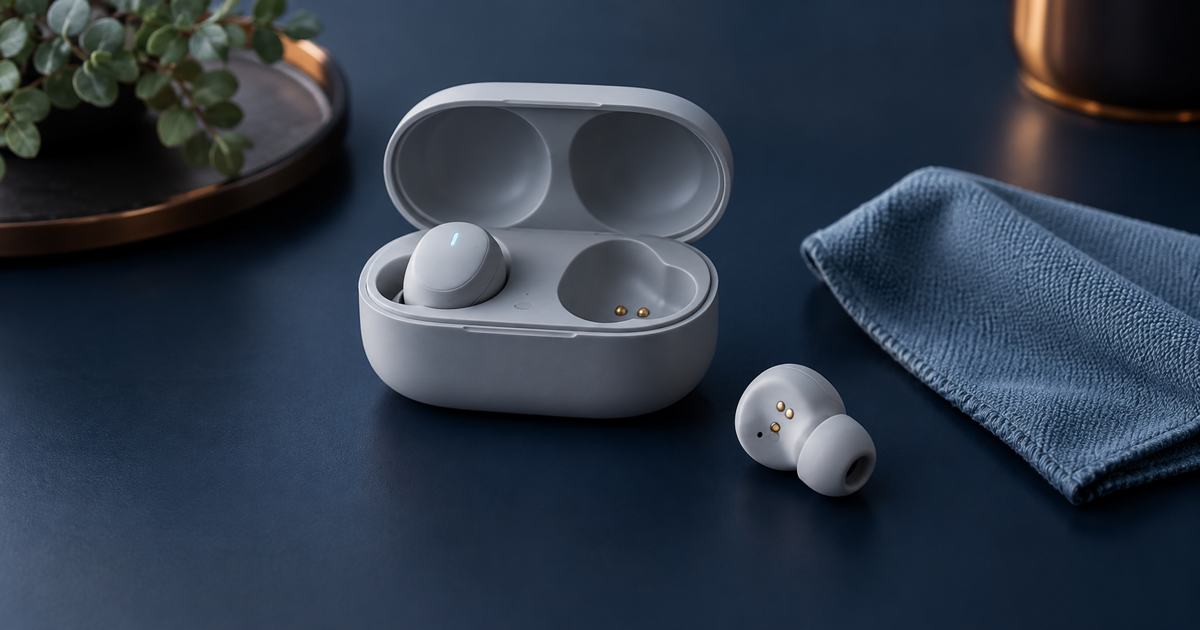
- Power the devices off and gently wipe the dry charging contacts on the earbud and case with a dry lint-free cloth or dry cotton swab. Clean the speaker mesh only as instructed for your exact model. Do not push debris into the mesh.
- If both sides charge, test the quiet earbud by itself and use another audio source. In the phone's accessibility settings, confirm that left–right balance is centred. Also make sure audio is routed to the intended Bluetooth device.
- Put both earbuds in the case, close it briefly and reconnect. If the problem remains, forget the device in Bluetooth settings and use the manufacturer's model-specific pairing or reset procedure. There is no universal button sequence.
- Update firmware only through the manufacturer's app, with both earbuds detected and enough power available. If one side still will not charge or start after cleaning and the correct reset, request a service or warranty assessment.
Why does only one side work?
One side may be silent because it does not meet the case contacts, its speaker mesh is blocked, the phone's audio balance is shifted, the two earbuds have lost their link, or a battery or electronics fault prevents startup. The JVS Tuki rule: establish whether the problem side charges before repairing Bluetooth.
What not to do
- Do not pour alcohol, water or cleaner into the case or earbud. Liquid can damage the battery, seals and electronics.
- Do not scrape the mesh or contacts with a needle, knife or metal tool.
- Do not use a random reset sequence from the internet. Procedures differ by model and may erase working settings unnecessarily.
- Do not keep charging if an earbud or case swells, becomes unusually hot, smells or has suffered serious liquid damage.
When to stop
Stop using the product immediately if the battery or case swells, becomes very hot, smells burnt or smokes. Disconnect charging safely and keep it away from combustible material without handling a damaged battery. Service is also sensible when one side never appears in battery status, will not power on, or fails with several phones after the correct model-specific reset.
What happens on the problem side?
Your answer is neither sent nor stored.
When is help worthwhile?
JVS Tuki can separate a charging-contact, setting, pairing or hardware fault and help assess whether the pair is worth servicing or replacing.
Ask about earbud diagnostics