
File won’t open after renaming? Check the extension
If a familiar file of your own stopped opening immediately after you renamed it, check the end of its name first. Make a copy and restore only a known original extension on that copy. Changing .png to .pdf does not turn an image into a PDF.
Updated 7 November 2026
Safe checking order
- Narrow the problem: did one of your own files stop opening immediately after renaming, or did many files change without you doing anything? This guide addresses the first case. Do not use an unfamiliar attachment as a test.
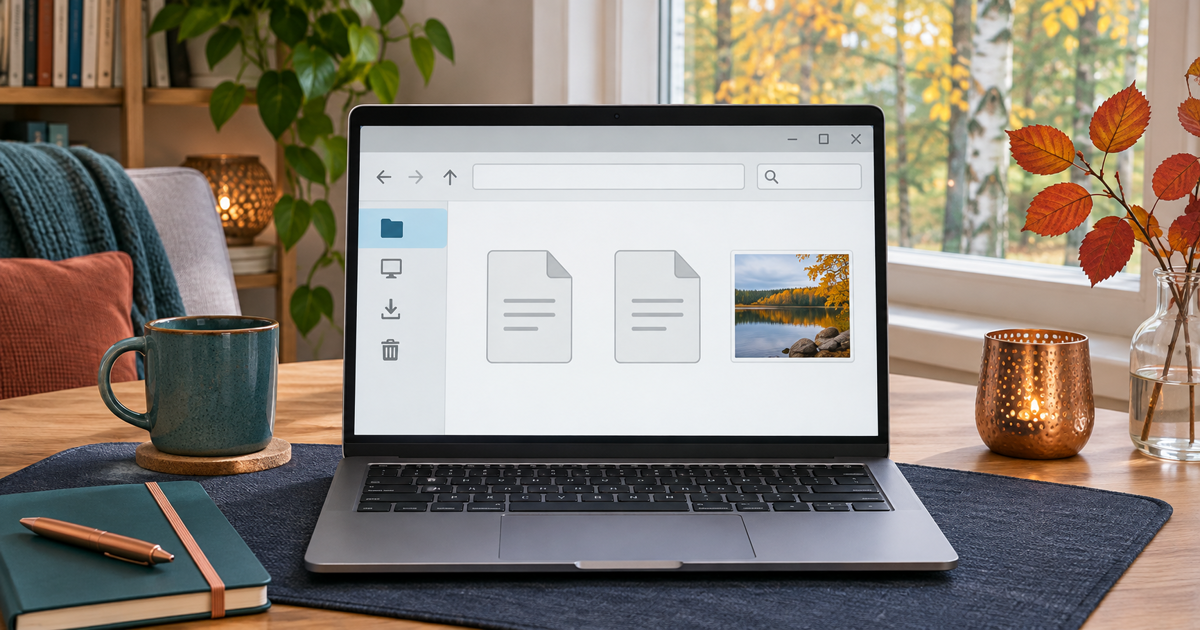
- In Windows 11, open File Explorer and choose View → Show → File name extensions. Menu labels vary with the interface language. Read the full name, not just the icon.
- Copy the file to a separate local test folder and keep the original untouched. Do not overwrite another file. Compare with an earlier backup or the original download: what extension did it actually have?
- Only if you know the original extension, rename the test copy: for example, photo.pdf back to photo.png if you yourself changed .png to .pdf. Proceed past the extension-change warning only for this verified correction. Cancel if you do not know the extension.
- Open the corrected copy in a familiar application. For a different format, use an app’s supported Export or Save As function and select the file type. Save a new file and check it separately; retain the source.
- If the extension is unchanged but the wrong program opens, check the default app instead. See the separate PDF default-app guide. Do not change the extension just to choose another app.
Symptoms and possible causes
Comparison checklist: a missing extension can leave Windows without a familiar opening app; a wrong extension can point to the wrong program; a correct extension with the wrong app calls for a different check. An extension is a clue, not proof of content or safety. Many files changing without your intervention is not an ordinary renaming test.
What not to do
- Do not guess extensions repeatedly or rename a whole folder at once.
- Do not upload private documents to a random online converter or bypass security warnings.
- Do not change an unfamiliar file’s extension to make it run. Never delete the only original.
When to stop
Stop if the original extension is unknown, this is the only important copy, or the corrected test copy still fails. Ask the sender for a fresh original or get help identifying the file. If many files changed by themselves or a ransom note appears, stop renaming and seek security help.
What happened before the problem?
Your answer is neither sent nor stored.
When is help worthwhile?
JVS Tuki can help distinguish a naming issue, an app choice and a format conversion. We start with the symptom and a test copy, not changes to an entire folder.
Ask for help opening a file