
Smart home · TV AI assistant
The TV is becoming a shared household AI interface — usefulness depends on its boundaries
Samsung published a new overview of Vision AI Companion on 17 July. A television can answer questions about what is being watched, present visual responses and combine several AI services. The concept is already visible in Samsung's 2026 Finnish TV range, but model, language and regional limits matter.
20 July 2026 at 06:00
What does the television do differently?
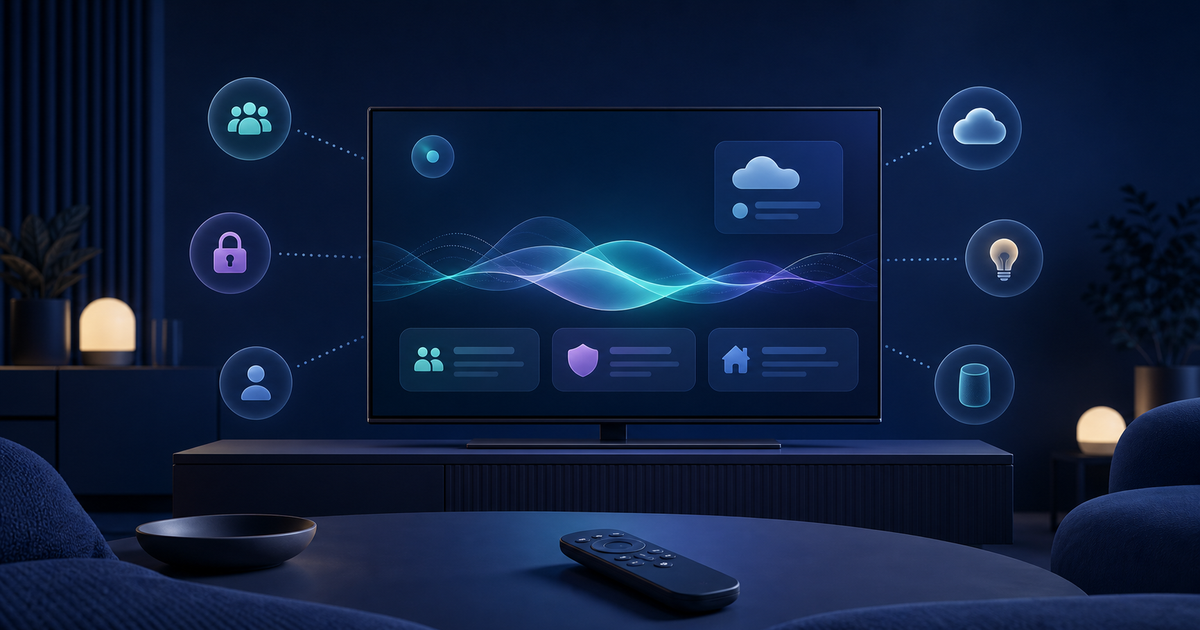
On a compatible television, Vision AI Companion opens through the remote's AI button or a long press of Home. The user speaks through the remote, and the TV can handle follow-up questions while presenting images or related content alongside the answer. Samsung says the platform combines Bixby with other language models including Gemini and Perplexity.
Why does a shared screen change the experience?
A phone assistant is usually personal, while a living-room screen belongs to the household. A large display can be a natural place for programme context, opening a recipe or planning something together. At the same time, personal recommendations, search history and linked accounts may be visible to everyone in the room.
Finnish availability does not mean Finnish language support
Samsung's Finnish page presents Vision AI Companion in its 2026 TV range, but features vary by model, market, content and remote control. Finnish voice support is not promised: the listed languages are English, French, Spanish, Portuguese, German, Italian and Korean. Buyers should verify support for the exact model and language they intend to use.
Cloud services and an account are part of the product
The functions require an internet connection and Samsung account, and users must accept a privacy notice on first use. Samsung also states that AI accuracy is not guaranteed and services may change or stop. Up to seven years of operating-system updates is useful, but it does not guarantee that an individual AI service will remain available.
What should buyers check?
Choose a television first for picture quality, interface, connections, repair considerations and update support. Then check exact model-level AI availability, language support, microphone controls, account requirements and whether the feature can remain unused without making ordinary television functions harder to access.