
Phone everyday use · charging
Your phone will not charge or charges slowly
Start with the outlet, cable, adapter and port. If the phone is hot, wet or the connector is damaged, stop safely.
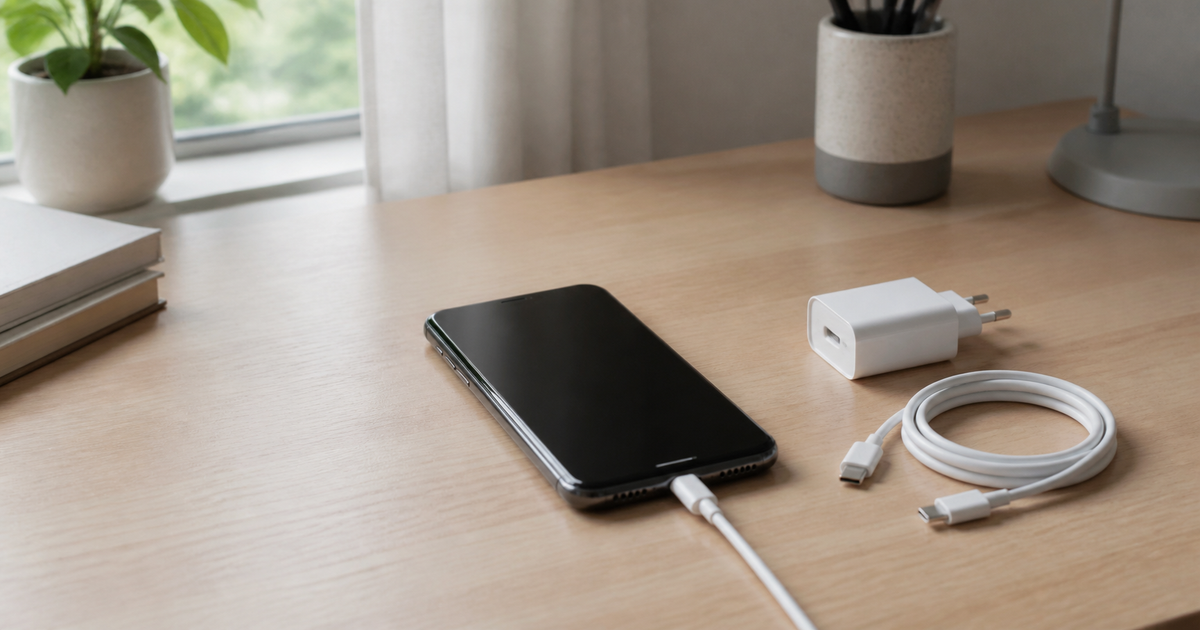
Updated 12 August 2026
Quick checklist
- Try another outlet and make sure the cable is firmly connected.
- Test another known-good cable and compatible charger.
- Inspect the port with light; do not insert metal or liquid.
- Remove the case briefly and let a hot phone cool.
- Restart the phone and let a fully flat battery charge for at least 30 minutes.
- If charging never starts or the battery swells, stop using it and seek service advice.
The symptom narrows the cause
Slow charging can come from the cable, adapter, debris, heat, battery or port.
| No charging sign | Change outlet, cable and adapter one at a time. |
|---|---|
| Very slow charging | Check compatible power, cable and temperature. |
| Charging stops when moved | The port or cable may be worn; do not force the plug. |
| Phone is hot | Unplug, remove the case and let it cool. |
| Port got wet | Do not charge until fully dry; avoid a heat gun. |
Android
- Google recommends trying another cable and adapter and checking the port for dust or lint.
- If an accessory warning appears, use a charger and cable compatible with the phone.
- Keep the phone cool; heat can slow charging.
iPhone
- Apple recommends checking the cable, USB power adapter and port, and trying another power source.
- Stop using a damaged or loose cable.
- If the phone detects liquid in the port, do not charge until it is dry.
What not to do
- Do not dig into the port with a needle, paperclip or metal tool.
- Do not use a damaged, hot or suspicious charger.
- Do not force the plug or blow moisture with hot air.
- Do not factory-reset before cable and port checks.
Quick diagnosis: what changes?
Quick diagnosis: what changes?
Choose the closest situation. Your answer is neither sent nor stored.
When is help worthwhile?
If charging works only at an angle, the port gets hot or the issue persists with several chargers, JVS Tuki can separate accessory, port and battery causes.