
Everyday phone · vibration
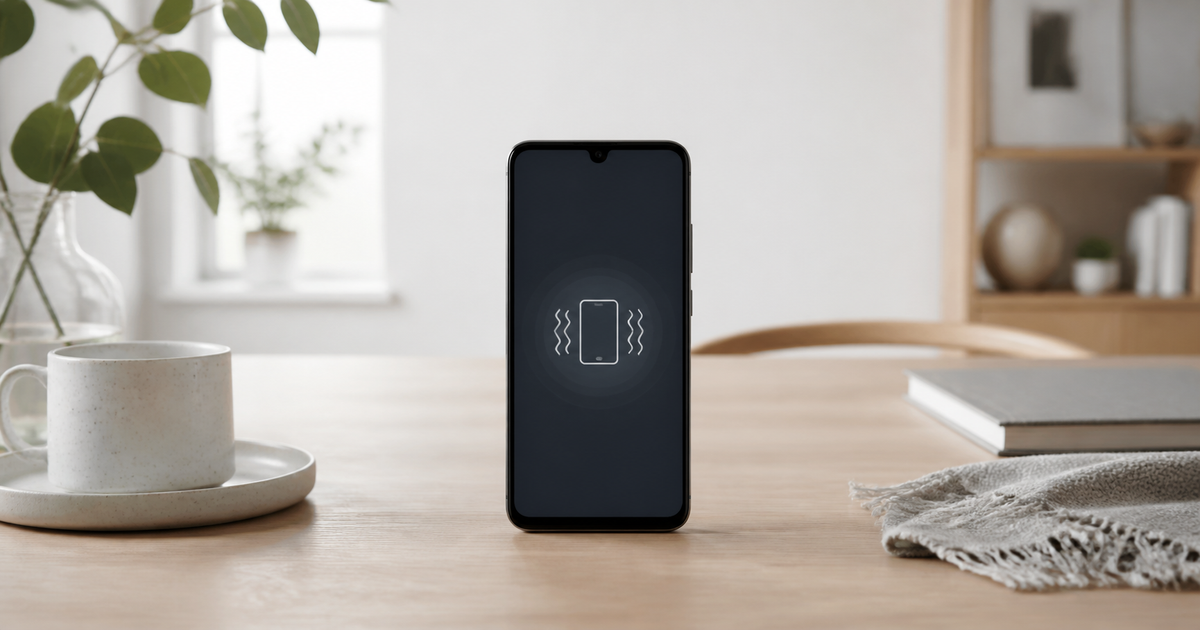
Phone does not vibrate
Check Silent mode, Focus and vibration settings first. If the phone was dropped or other functions fail, stop testing.
Updated 17 August 2026
Quick checklist
- Test vibration during a call or alarm and make sure Airplane mode is off.
- Open Sound & vibration and Accessibility and make sure vibration is enabled.
- Temporarily turn off Do Not Disturb/Focus and check the app's notification settings.
- Restart the phone and install available system updates.
- Test another notification; one app may be muted.
- Stop if the phone is hot, wet or vibrating abnormally.
The symptom narrows the cause
Vibration may be disabled by settings, Focus, an app or battery saving. A drop can damage the haptic motor.
| No vibration for calls | Check call and Silent mode vibration. |
|---|---|
| Calls vibrate, notifications do not | Check the app's notification and vibration settings. |
| No vibration anywhere | Check global vibration settings and restart. |
| Stopped after an update | Install the next update and test again. |
| Phone was dropped or wet | Seek assessment if other functions also fail. |
Android
- Google recommends checking Sound & vibration and the Vibrate for calls setting.
- Do Not Disturb can silence vibration; also check Battery Saver and the app notification channel.
- Update the system and test again after restarting.
iPhone
- Apple says to open Settings > Sounds & Haptics > Haptics and select Play in Silent Mode.
- Check Control Centre to make sure Focus/Do Not Disturb is off.
- Settings > Accessibility > Touch > Vibration can disable all vibration.
What not to do
- Do not install an app claiming to repair the vibration motor.
- Do not shake or knock the phone to wake the motor.
- Do not factory-reset before checking settings and notifications.
- Stop using a wet or overheating device.
Quick diagnosis: when is vibration missing?
Quick diagnosis: when is vibration missing?
Choose the closest situation. Your answer is neither sent nor stored.
When is help worthwhile?
If vibration is absent in every test or the phone is damaged, JVS Tuki can separate settings, app and hardware causes.