
Phone text too small? Enlarge it without losing the buttons
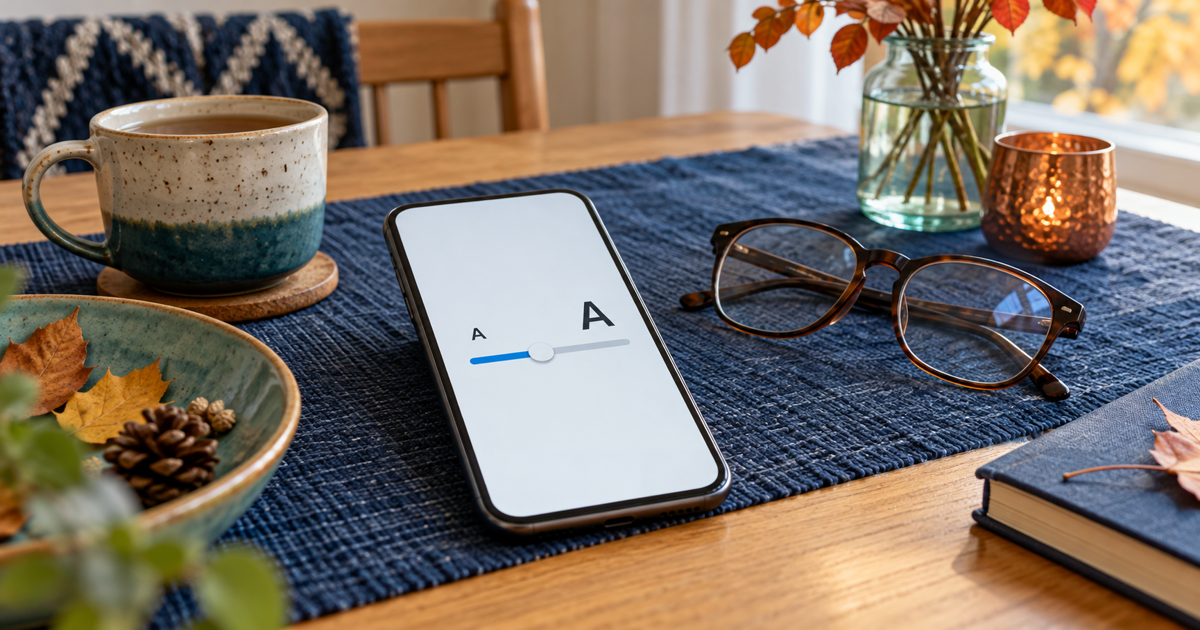
Start with text size and change one setting at a time. If buttons are small too, a larger font alone does not solve the whole problem. Check three everyday screens before keeping the new setting.
Updated 18 October 2026
Safe checking order
- Choose three test screens: Settings, a normal message and one frequently used app. Note the current size so you can return to it. Do not use a payment confirmation as your test.
- On iPhone, open Settings → Display & Brightness → Text Size and increase it slightly. More options are under Accessibility → Display & Text Size → Larger Text. The change applies to apps that support it.
- On Android, search Settings for Font size and increase it slightly. If interface elements are also small, try Display size separately. Names and availability vary with the manufacturer and Android version.
- If only one app stays small, check its own reading or text settings. On iPhone, you can also use Accessibility → Per-App Settings. Some apps do not follow system font size; repeatedly enlarging the entire phone may not help.
- JVS Tuki’s three-screen test: read the same passage, scroll to the end and locate Back and Continue controls. Open the keyboard in an ordinary message draft without sending it. If an important button is hidden, reduce the size by one step and check again.
Symptoms and possible causes
Small letters, small interface elements and one app’s fixed layout are different problems. Text size and overall interface scaling are separate controls. Text stored as an image may not respond to a font slider. A bigger screen alone does not guarantee comfortable reading.
What not to do
- Do not change font size, display size and other accessibility settings together: you will not know what helped.
- Do not buy a new phone based only on its default font. Try your important apps first.
- Do not start by installing an unknown magnifier app or granting broad permissions. Never guess where a hidden confirmation button is.
When to stop
If an essential control disappears, restore the last usable size. If just one app clips content, note the phone model, app version and affected screen, then ask its support team. Hide personal details in screenshots. If no size works well, get help comparing accessibility and device options.
What is the actual problem?
Your answer is neither sent nor stored.
When is help worthwhile?
JVS Tuki can help adjust readability together with the person using the phone and test everyday apps before a device purchase.
Ask about phone settings