
Phone screen won’t rotate? Compare two apps first
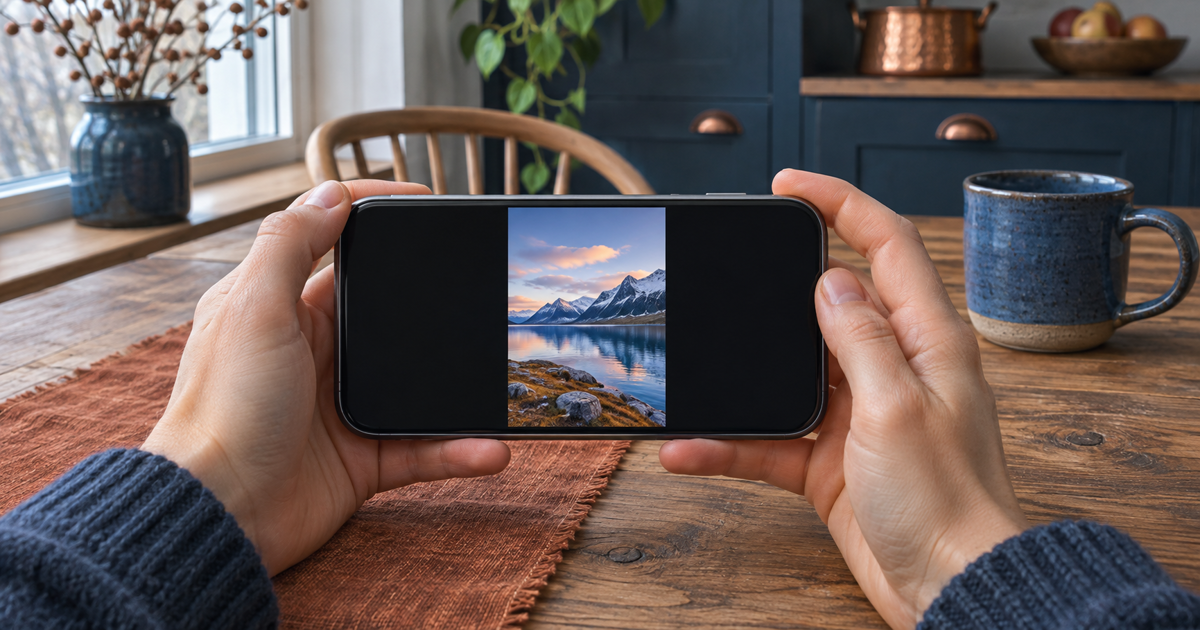
Open a view you know works in landscape. Hold the phone facing you and turn it a quarter turn. If another app rotates, there’s no reason to reset your phone over one portrait-only screen.
Updated 6 November 2026
Safe checking order
- Watch the controls and text, not just the picture. If menus rotate but one photo looks sideways, that is a different symptom. Leave the original photo alone for this test.
- iPhone: open Control Center. On a Face ID model, swipe down from the top right; on a model with a Home button, swipe up from the bottom. If Portrait Orientation Lock is on (padlock with a circular arrow), turn it off temporarily. Close Control Center and try a normal webpage in Safari.
- Google Pixel: swipe down to Quick Settings and find Auto-rotate. If the tile is missing, look under the display settings. If you use TalkBack, leave auto-rotate off: turning the screen can interrupt speech. Otherwise you can enable it for this test. Other Android brands may use different labels or menus.
- Try the same movement in two familiar apps. Compare the same view in portrait and landscape. The Home screen alone is not a reliable test, and pressing a video player’s full-screen button is not the same as automatic rotation.
- If neither known landscape view rotates, save unfinished work and restart normally. Repeat the same test once. Restore the setting you prefer, especially if you use a screen reader.
Symptoms and possible causes
Only one view stays upright → the app may not offer landscape there. Unlocking fixes both → use whichever setting is comfortable. Only a full-screen video turns → compare an ordinary page too. Neither test view moves → note the result; this alone does not prove a sensor fault.
What not to do
- Don’t shake or drop the phone to test a sensor.
- Skip calibration downloads and factory resets for this comparison.
When to stop
Stop if this started after a drop or the display is damaged. If known landscape views still stay upright after a normal restart, give support the phone model, the two apps tested and the rotation setting.
What happened in your comparison?
Your answer is neither sent nor stored.
When is help worthwhile?
If the result is unclear, JVS Tuki can walk through the setting and the two test views with you. You don’t need to share personal photos.
Ask for help with display settings