
Phone says moisture detected and will not charge — do not bypass the warning
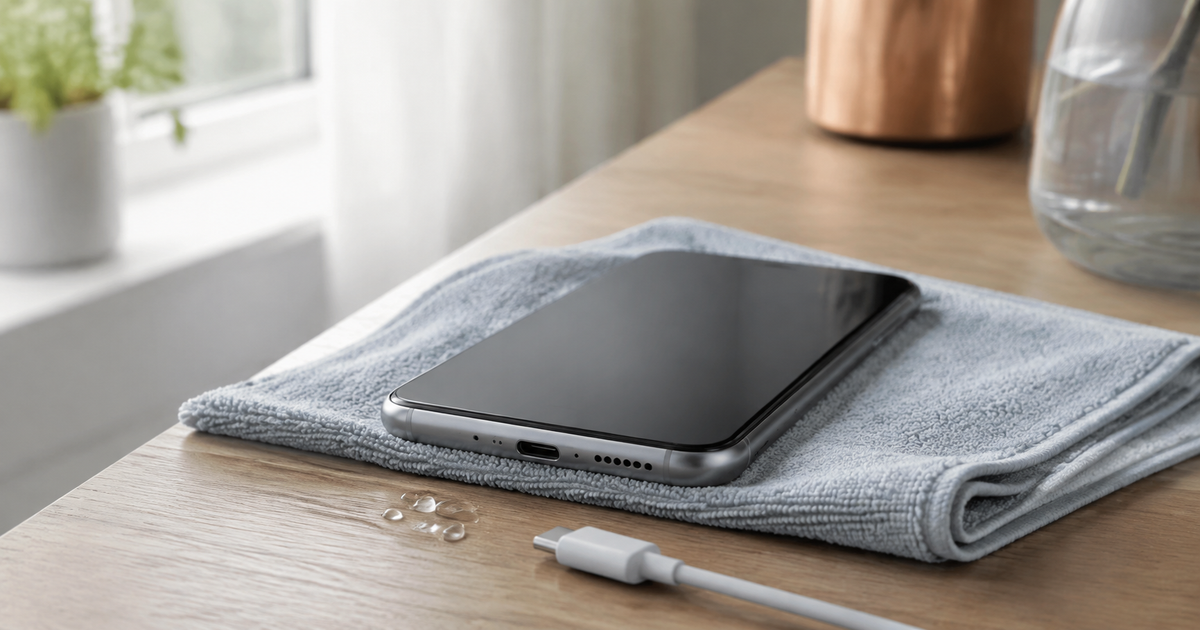
Disconnect the charging cable from both the phone and power source. Place the phone in a dry, ventilated area with the port facing down and let both the port and cable dry. Do not force charging, use heat or compressed air, put the phone in rice, or insert anything into the port. The warning is protecting the connector from corrosion and damage.
Updated 6 September 2026
Safe drying, step by step
- Disconnect the cable immediately, including from the charger. If the phone or cable feels hot, do not handle the connector until it has cooled.
- Remove the case if moisture is trapped beneath it and wipe only the outside with a soft, lint-free cloth.
- Keep the charging port facing down and gently tap the phone against your hand so excess liquid can leave. Put it at room temperature where air can circulate.
- Check both cable ends as well. Reconnect only when the phone and cable are dry. If the warning appears with only one cable, stop using that cable.
- Follow the message and waiting time for your model. Apple says to retry no sooner than 30 minutes and, if needed, allow up to a day; this is not a universal time limit for every phone.
- Use wireless charging only on a supported model when the phone's back and charger are completely dry and the device is neither hot nor damaged.
Why does the warning appear?
The phone may sense moisture in the charging port, cable end or accessory. On some models, debris or an overheated connector can trigger a similar protective message. Water resistance does not make it safe to charge a wet port, and charging may be intentionally disabled.
What not to do
- Do not bypass protection simply because the battery is low. A manufacturer-provided emergency override is a last resort in a genuine emergency, not a normal fix.
- Do not use a hair dryer, heater or compressed air. Heat and pressure can push moisture farther in or damage parts.
- Do not insert a cotton bud, paper, toothpick or metal object into the port.
- Do not put the phone in rice. Small particles can enter the port, and rice cannot repair corrosion.
When to stop
Stop self-drying and arrange inspection if the port looks burned, melted or corroded, the phone becomes very hot, the battery swells, salt water or a sugary drink entered the device, or the warning returns after the manufacturer's drying period with several dry cables. Pixel guidance says to contact support when its liquid-or-debris message lasts two hours or more; other models may use a different threshold.
Which description fits best?
Your answer is neither sent nor stored.
When is help worthwhile?
JVS Tuki can inspect the charging port and cables, separate moisture, debris and hardware faults, and help secure your data before service without unnecessary replacement parts.
Ask about a charging-port check