
Phone showing the wrong location in maps?
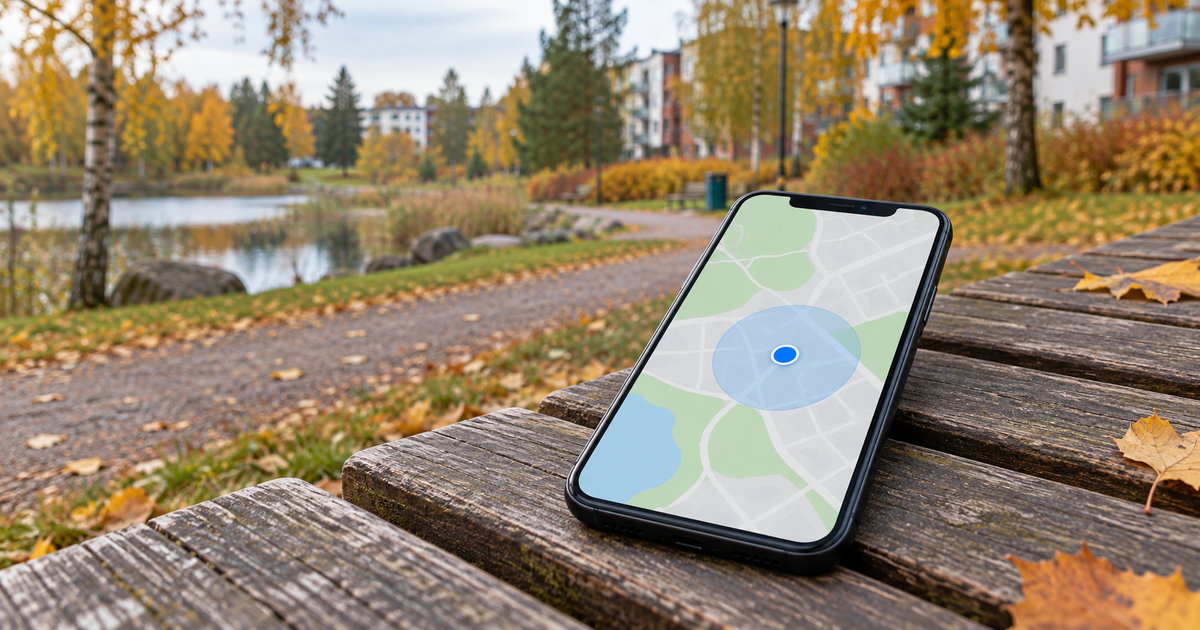
Stop somewhere safe. First distinguish your current-location dot from the direction beam and the destination pin. Compare outdoors and check the map app's permission before resetting anything.
Updated 22 October 2026
Safe checking order
- Stop away from traffic and tap the current-location button. Is your own dot misplaced, is the direction beam pointing the wrong way, or is only a searched address wrong? Correcting a destination pin does not repair phone positioning.
- Make a short comparison in a safe, open outdoor place. Buildings and indoor surroundings can weaken positioning. Let the location update and see whether the accuracy circle narrows. Do not step into a road or onto ice for a better signal.
- Check the phone location setting and permission for the map app. On iPhone, look under Settings → Privacy & Security → Location Services → the map app. On Android, check the app permissions. Use permission while using the app and precise location when accurate navigation is needed. Labels vary. Do not grant every app continuous access.
- Android Location Accuracy is different from the app's Precise location permission. On devices with Google Play services it combines multiple location sources. Read the privacy explanation before changing it: wireless-signal information is processed too. There is no identical Google setting to find on iPhone.
- Check connectivity and automatic date and time. Close and reopen the map app; restart the phone if needed. If only direction is wrong, follow the calibration guidance offered by the app. Do not wave the phone around in traffic.
- At the same spot, compare another trusted map app already installed. Record only: indoors or outdoors, one or two apps, dot or direction or destination pin. If your own dot is correct but the destination is misplaced, report the map error in the app. Do not post your home address or route history.
Symptoms and possible causes
The JVS Tuki comparison separates three issues: current position, phone heading and destination data. A large accuracy circle represents uncertainty, not an exact position on its edge. Drift occurring only indoors does not by itself prove a hardware fault. A problem confined to one app should be narrowed down before arranging a phone repair.
What not to do
- Do not start with a factory reset, unknown GPS repair apps or a new phone purchase.
- Do not enable location history, continuous sharing or background permissions just for this test.
- Never follow a map instruction against road signs or safe access routes.
When to stop
Stop testing if moving around is unsafe. If the location remains clearly wrong in an open area in two apps after permission checks and a restart, seek manufacturer support or a device assessment. This test cannot prove that emergency location services work.
What is wrong on the map?
Your answer is neither sent nor stored.
When is help worthwhile?
JVS Tuki can help compare apps and review phone location permissions and privacy settings. Start by narrowing the problem down, not by buying another device.
Ask about phone settings