
Everyday phone · tethering
Hotspot connects, but there is no internet
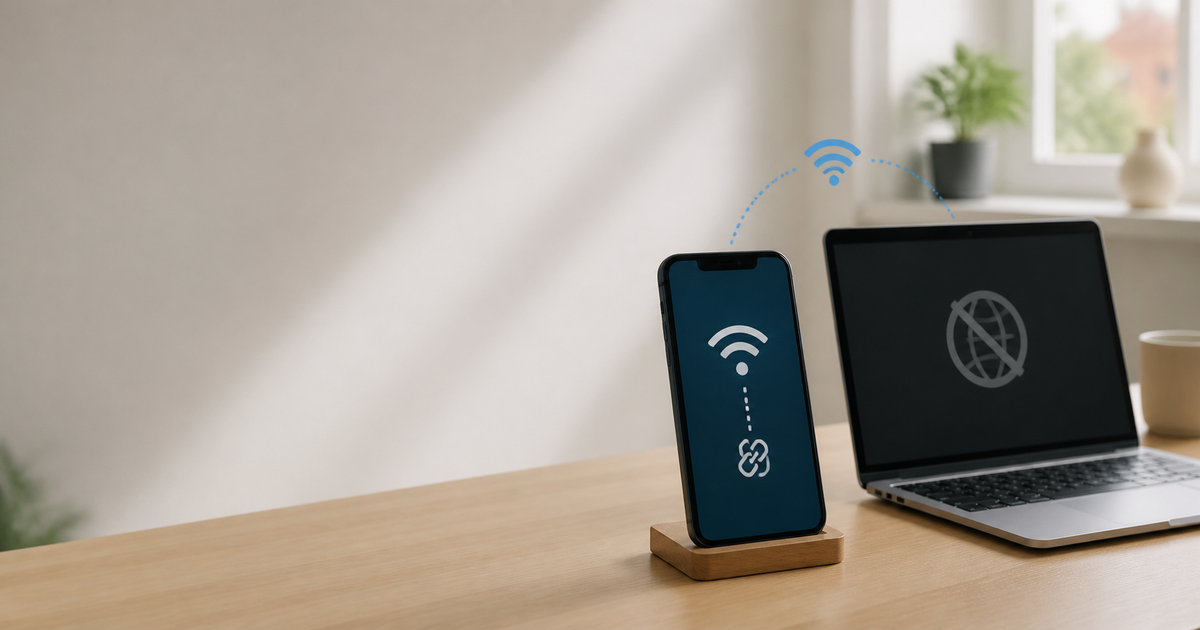
A phone can show a shared network even when mobile data, plan permissions or the receiving device prevent internet access. Isolate the cause before resetting network settings.
Updated 20 August 2026
Quick checklist
- Confirm that the phone itself works online with Wi-Fi turned off.
- Check mobile data, hotspot and whether the plan allows tethering.
- Restart the phone providing the hotspot and the other device.
- Forget the hotspot on the receiving device and reconnect with the correct password.
- Try USB or Bluetooth tethering only as a comparison when Wi-Fi hotspot fails.
- Do not reset network settings until you know how to restore VPN, Wi-Fi and APN details.
The symptom narrows the cause
If the phone itself is offline, the receiving device's Wi-Fi is not the first place to look. If only one device fails, check its saved profile, VPN and network settings first.
| The phone itself is offline | Check mobile data, signal and your operator's outage information. |
|---|---|
| Every device connects but has no internet | The plan, hotspot permission or APN may be involved; check the subscription. |
| Only one laptop fails | Forget the hotspot, reconnect and test briefly without its VPN. |
| The connection stops after a while | Battery saving or automatic hotspot shutdown may be closing the share. |
iPhone
- Apple recommends checking Personal Hotspot and whether the carrier supports it.
- Keep Allow Others to Join enabled during the test and restart both devices.
- Reset Network Settings removes saved Wi-Fi, VPN and APN settings; use it only as a last local step.
Android
- Google notes that hotspot names and settings vary by manufacturer.
- Check Wi-Fi hotspot and mobile data in Quick Settings; try USB tethering as a comparison.
- If the hotspot works with another device, the first device's saved settings are the likely starting point.
What not to do
- Do not publish the hotspot password or use an open hotspot.
- Do not guess APN values; wrong values can stop mobile data.
- Do not buy a new router before checking the phone's data connection and plan terms.
Quick diagnosis: where does the connection stop?
Quick diagnosis: where does the connection stop?
Choose the closest situation. Your answer is neither sent nor stored.
When is help worthwhile?
If mobile data works on the phone but sharing fails on every device, JVS Tuki can check settings and carrier limits before you buy hardware.