
Phone · Charging · Heat
Phone gets hot while charging — what is normal?
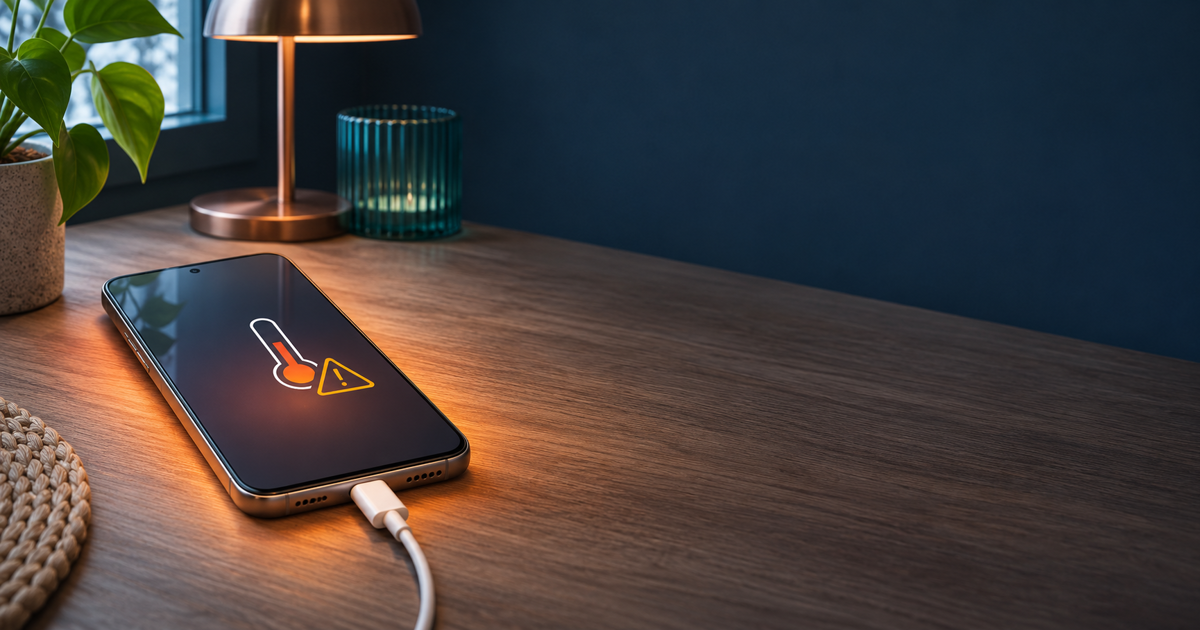
Some warmth during charging, a video call, gaming or an update can be normal. If the phone feels uncomfortably hot, shows a temperature warning or stops charging, disconnect power if safe, move it into a cool shaded place and let it cool naturally. Do not put it in a fridge or freezer.
Updated 20 November 2026
Short answer
- Mild warmth can be normal during wireless charging, video recording, gaming, navigation or after a major update.
- If the device is uncomfortably hot or shows a temperature warning, disconnect the charger if safe. Stop demanding use and let the phone cool at room temperature.
- Once cool, try an undamaged charger suitable for the device in an airy place. If it repeatedly heats while idle or around the charging port, stop charging and ask a repair professional.
What are you noticing?
When the heat occurs and where you feel it are clues, not a diagnosis by themselves.
| Warm during video calls, navigation or games | Heavy processing can warm a phone, especially while charging. |
|---|---|
| Warm on a wireless charging pad | The charging method or poor ventilation may add heat; check for metal objects between the phone and pad. |
| Heat near the cable connector or adapter | A damaged cable, port or adapter may be involved. Do not keep testing a suspect part. |
| Warms while idle or gets hotter each time | Background work, battery, connector or another hardware issue may be involved. Recurring symptoms need investigation. |
| Case bulges, or there is an unusual smell, sound or smoke | Stop using it. Do not charge, press or open it; move to safety and get professional help. |
A safe order of checks
- If the phone is uncomfortably hot or shows a warning, safely disconnect power and stop demanding use. If the cable, plug or phone is damaged, wet or sparking, do not touch it; cut power only if you can do so safely.
- Move it away from sun, blankets, a bed and combustible items to a cool, hard surface. Let it cool naturally. Do not use a fridge, freezer, water or hair dryer.
- Once fully cool, consider whether heavy use, charging, an update, a hot environment or a case contributed. Do not remove or open the battery.
- Visually check that the charger and cable are undamaged and suitable according to the maker. For wireless charging, remove the case and check for foreign objects between the pad and phone.
- If there are no signs of damage, try one undamaged charging setup intended for the device in a dry, airy place and monitor it. Do not leave a phone that heats unusually unattended while charging.
- If a temperature warning returns, it heats during light use or shuts down, stop charging tests. Note the circumstances and contact the manufacturer or a repair service.
Ordinary warmth or stop using it?
| Often ordinary | The device is only warm during heavy work or wireless charging and cools when that activity ends; there is no warning or visible damage. |
|---|---|
| Pause and let it cool | A temperature warning, slower/stopped charging, hot surroundings or sustained heavy use. Safety controls may limit functions. |
| Do not continue using or charging | Bulging, unusual smell/sound, smoke, sparks, damaged cable/port or strong heat while idle. Get a professional assessment. |
Avoid these steps
- Do not put the phone in a fridge or freezer or cool it with water. Sudden temperature change and moisture may damage it.
- Do not cover a charging phone with a pillow, clothes or blanket or charge it in a confined space.
- Do not continue with a damaged, unreliable or unusually hot cable or adapter.
- Do not open the phone, puncture the battery or press on a bulging case.
When should you stop troubleshooting?
Stop immediately if the battery or case bulges, the device smells, makes unusual sounds, smokes, the cable/port is damaged, or the phone becomes distinctly hot while idle. Disconnect power only if safe. Do not handle a smoking or burning battery; leave the area and call your local emergency number if there is fire or immediate danger. Otherwise, ask the manufacturer or a qualified repair service for advice before charging again.
Quick self-check
Quick self-check
Which best describes the situation? Your choice is processed only in this browser; it is not sent or stored.
If the cause is not clear
JVS Tuki can help distinguish an accessory, usage pattern and symptoms that need device inspection, then suggest a suitable repair route. The site also has more articles, solutions, first aid and a light self-check.
Sources and problem signals
- Apple Support: If your iPhone or iPad gets too hot or too cold
- Samsung Support: Galaxy battery and charging tips
- Google Pixel Help: Keep your phone from feeling too warm or hot
- Tukes: Safe use of lithium-ion batteries (Finnish)
- Public discussion signal: recurring Galaxy S25 heat reports while charging (not technical authority)