
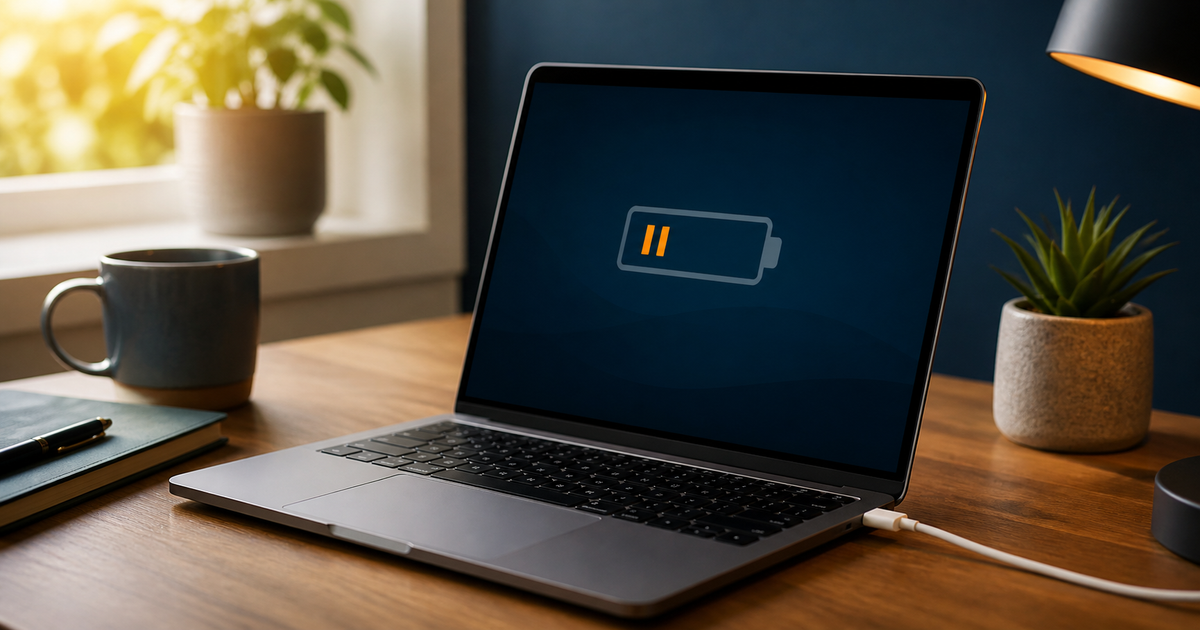
Laptop is plugged in but not charging
Check the charger, USB-C power and charge limit before replacing the battery.
Updated 27 August 2026
Quick checklist
- Try another outlet and check both connections.
- Use a charger and cable with enough power.
- Not every USB-C port accepts charging.
- Check the battery icon and charge limit.
- Unplug if there is heat, smell or damage.
Symptom and cause
If the percentage does not rise, a charge limit, weak charger or battery may be involved. If power is not detected, check the outlet, cable and port.
What not to do
- Do not use a random phone charger.
- Do not insert metal or liquid into the port.
- Do not open a swollen battery.
Which charging problem do you have?
Your answer is neither sent nor stored.
When is help worthwhile?
JVS Tuki can separate a charge limit, charger, port and battery issue.
Ask about a charging check