
Calls work in the car, but music is silent
Park safely before checking. A Bluetooth connection for calls does not guarantee music playback. Check the car audio source, selected phone and media audio before removing a pairing.
Updated 21 October 2026
Safe checking order
- Park, apply the parking brake and make changes while stationary. This guide covers ordinary Bluetooth audio. If you use CarPlay or Android Auto, check that separate connection in the car manual. Do not adjust settings while driving.
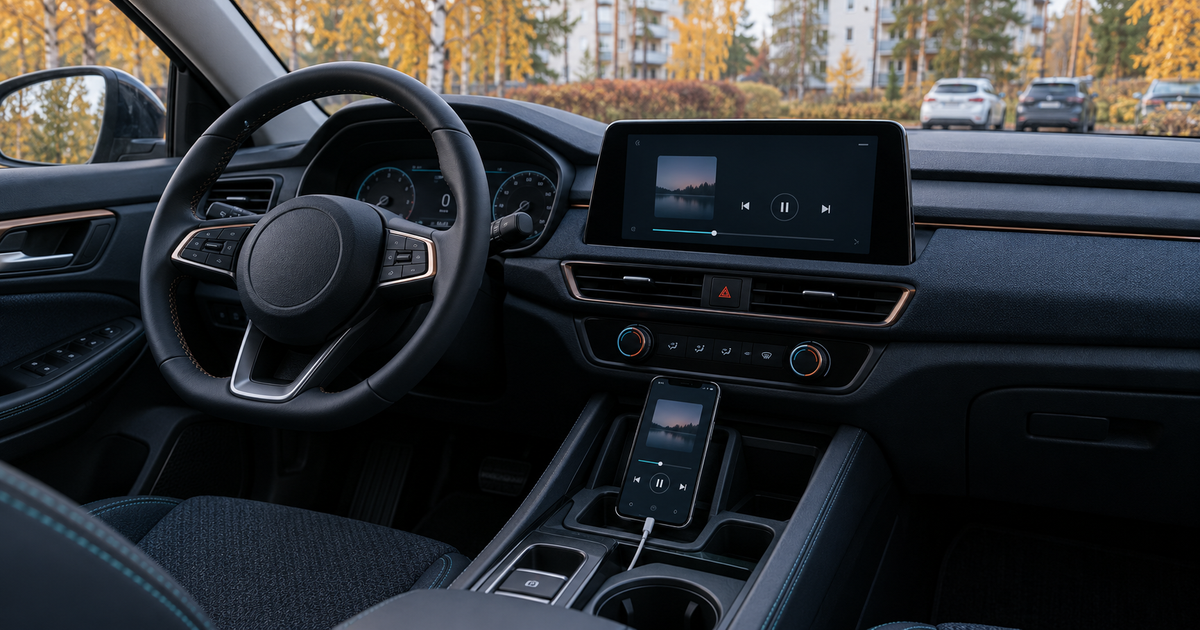
- Select Bluetooth Audio or the equivalent audio source in the car, not just its phone menu. Confirm that your phone is selected for music. Start a familiar track and gently raise media volume on both devices. Call volume is a different check.
- On Android, open Bluetooth devices and the car device settings. Check Media audio or its equivalent; labels vary. On iPhone, check the playback output and the selected device in the car — do not look for the Android Media audio switch. Temporarily disconnect headphones if audio is being sent there.
- Compare a known working track downloaded to the phone with your usual streaming audio. If the local track plays but streaming does not, investigate the app or network first. If neither plays, compare the same phone with a known speaker, or another phone in the car with its owner's permission. Change one thing at a time.
- If music has never worked, check the exact model year and audio equipment in the car manual. Some systems support Bluetooth calls only. A phone factory reset cannot add missing music support. Check supported USB or AUX playback before buying an accessory.
- If it used to work, restart the phone and turn Bluetooth off and on. Apple advises waiting about five seconds on iPhone. Re-pair only once you know how to reconnect: remove just this phone–car pairing on both sides and follow the car manual. Do not clear every user's device list.
Symptoms and possible causes
Calls and music can use different functions. Connected is not a complete playback test. A wrong source or a different selected phone is not the same as missing music support. If only streaming fails in a particular location, connectivity may be the issue rather than the car's Bluetooth. The JVS Tuki comparison separates these cases before a reset.
What not to do
- Do not operate settings while driving or run the engine in an enclosed space for testing.
- Do not begin with a factory reset or a reset of all network settings. Avoid unknown Bluetooth repair apps and unofficial car firmware.
- Do not automatically grant contact or message access just to test music. Read the request and car instructions; do not post pairing codes or device lists.
When to stop
Stop if the instructions do not match your car system, pairing codes do not match, or two phones have the same fault despite the correct source. Ask the manufacturer to check compatibility or software. In a rental or shared car, do not remove other people's settings.
Which situation matches yours?
Your answer is neither sent nor stored.
When is help worthwhile?
JVS Tuki can help with phone audio settings and a useful comparison test. Car software and hardware repairs should follow manufacturer or workshop guidance.
Ask about phone settings