
Bluetooth headphone audio out of sync?
Play the same short dialogue scene first through the device speakers, then through Bluetooth headphones. Keep the volume moderate and use the same app. If you hear the lag only on Bluetooth, compare a second app before changing settings or buying anything.
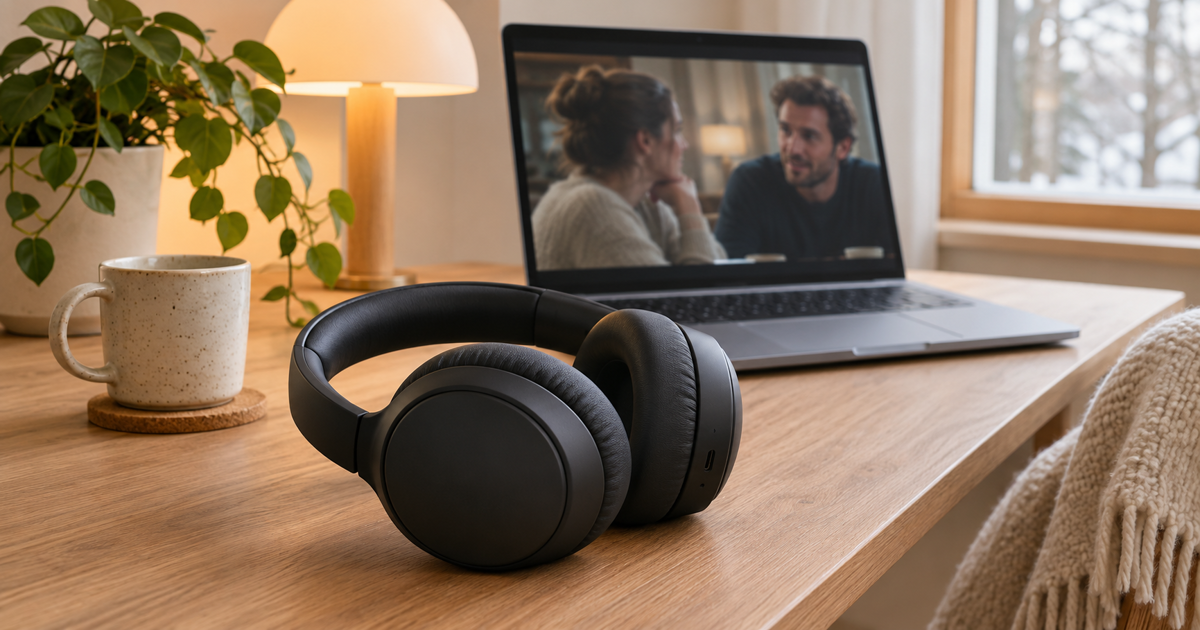
Checks in order
- If the speakers lag too, try another video. If only one file or app is affected, start there. Don’t change device-wide audio settings for one clip.
- If only Bluetooth lags in several apps, try the same headphones on another device. Video and games are different tests: a player can time the picture to match the sound, whereas in a game you can hear the delay after an action.
- If the problem mainly affects gaming, try wired headphones you already own or the device speakers. Use a TV’s A/V sync setting only if its manual covers your current audio output. Note the original value and change one setting at a time.
What to avoid and when to stop
Avoid random codec downloads and factory resets. If the headphones work well on another device, don’t buy a replacement based on this test alone. If the sound also cuts out, or the problem persists across apps and devices, note the models and test results before contacting support.
Quick self-check
Your choice is not sent or stored.
Discussion and further help
Where is the delay most obvious: dialogue or gaming? What changes when you switch to speakers? Find more guides, first help and a light self-check on the JVS Tuki website.